

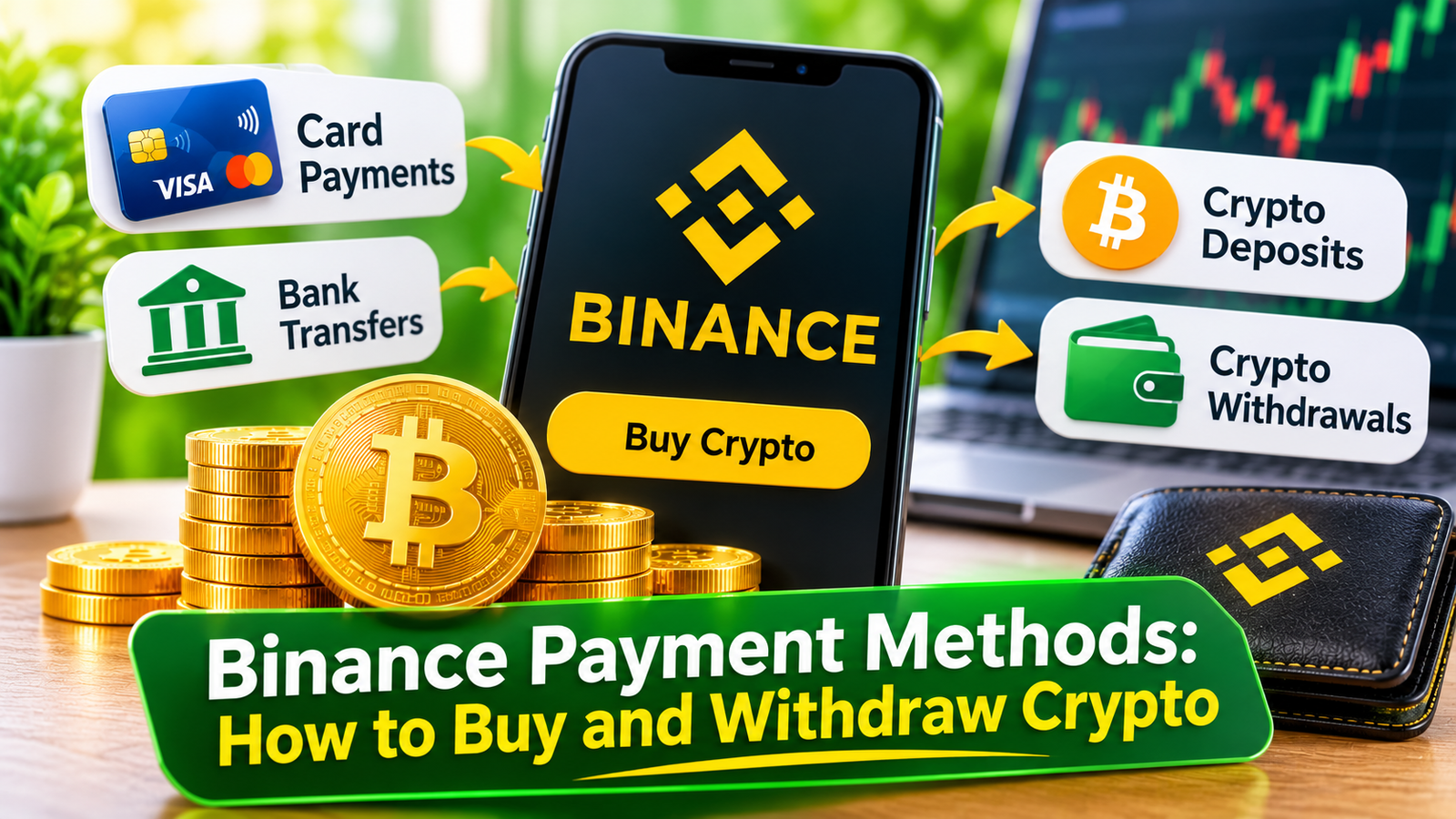
Choosing the right payment method is an important part of using a cryptocurrency exchange. Whether you are buying Bitcoin for the first time, adding funds to your trading account, or transferring cryptocurrency to an external wallet, understanding the available payment options can make the process much easier.
Binance offers several ways to deposit funds, purchase cryptocurrencies and withdraw assets. These include debit and credit cards, bank transfers, peer-to-peer (P2P) trading, third-party payment providers and direct cryptocurrency transfers.
However, not every method is available to every user. Supported currencies, payment providers, transaction limits and fees can vary depending on your location and account status.
In this guide, we explain how Binance payment methods work, what to consider before making a transaction, and how to choose an option that suits your needs.
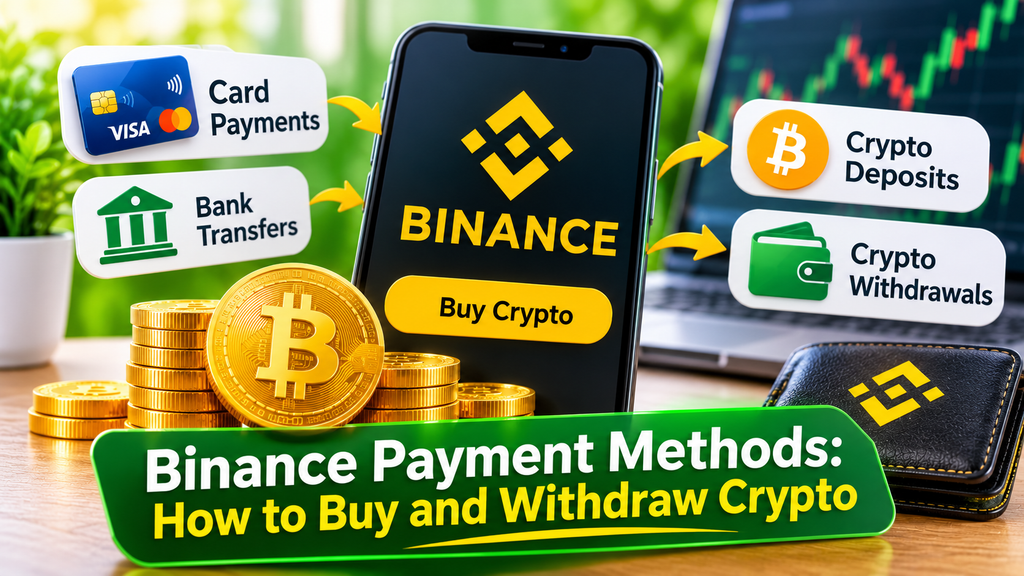
Overview of Binance Payment Methods
Binance provides several payment options for users who want to access the cryptocurrency market. Some methods allow you to purchase crypto directly, while others let you transfer funds into your account before trading.
Here is an overview of the main options:
| Payment Method | Main Purpose |
|---|---|
| Credit and Debit Cards | Buy cryptocurrency directly |
| Bank Transfers | Deposit or withdraw fiat currency |
| Binance P2P | Buy and sell crypto with other users |
| Apple Pay and Google Pay | Purchase crypto where supported |
| Third-Party Payment Providers | Buy crypto through external services |
| Crypto Transfers | Deposit or withdraw digital assets |
The available options can be checked directly in the Binance account interface.
1. Credit and Debit Card Payments
Using a credit or debit card is one of the most straightforward ways to purchase cryptocurrency on Binance.
Depending on availability, users can connect an eligible Visa or Mastercard and buy supported digital assets without first making a separate fiat deposit.
The process generally involves:
- Logging in to your Binance account.
- Opening the Buy Crypto section.
- Selecting the cryptocurrency you want to purchase.
- Entering the amount and payment currency.
- Choosing an available card payment option.
- Confirming the transaction.
Once the payment has been processed, the purchased cryptocurrency is credited to the relevant Binance wallet.
Advantages:
- Convenient for beginners.
- Direct cryptocurrency purchases.
- No need to arrange a separate bank transfer.
- Simple payment process.
Potential disadvantages:
- Transaction fees may apply.
- Some banks may decline cryptocurrency-related payments.
- Card purchases may have limits.
- Availability depends on the supported payment provider and region.
Before confirming a purchase, check the displayed exchange rate, processing fee and final amount of cryptocurrency you will receive.
2. Bank Transfers
Bank transfers are another way to fund a Binance account.
Depending on the supported fiat currency and payment infrastructure, users may be able to transfer money from their bank accounts to Binance and use the deposited balance to purchase cryptocurrency.
The general process is:
- Open the Deposit section of your Binance account.
- Select Fiat Deposit or Bank Deposit if available.
- Choose the supported currency.
- Select an available transfer method.
- Follow the payment instructions displayed by Binance.
- Complete the transfer through your bank.
Some transfers may require additional processing time, depending on the banking system and payment provider.
Advantages:
- Suitable for larger deposits where supported.
- Can be convenient for regular funding.
- May offer competitive transaction costs.
- Allows users to fund an account before trading.
Potential disadvantages:
- Processing times vary.
- Some banks may charge transfer fees.
- Available currencies and transfer networks differ.
- Incorrect payment references or bank details may delay a deposit.
Always use the bank details and payment instructions displayed in your own Binance account. Never rely on outdated transfer information found elsewhere.
3. Binance P2P Payments
Binance P2P (peer-to-peer) is a marketplace where users can buy and sell cryptocurrency directly with other users.
Unlike a conventional card purchase, P2P transactions involve selecting an offer from another participant. The payment is made using a mutually supported payment method, while Binance provides an escrow mechanism for the cryptocurrency involved in the transaction.
Depending on the marketplace and region, available payment options may include:
- Bank transfers.
- Local bank payment services.
- Electronic payment services.
- Other supported local payment methods.
How Binance P2P Works
The basic process is relatively simple:
- Open the P2P section of Binance.
- Choose whether you want to buy or sell cryptocurrency.
- Select the fiat currency and digital asset.
- Review available advertisements.
- Compare prices, payment methods and seller information.
- Select an offer and follow the transaction instructions.
- Complete the payment using the agreed method.
- Wait for the seller to confirm receipt of payment.
Once the transaction requirements are satisfied, the cryptocurrency is released from escrow.
Advantages:
- Multiple payment methods.
- Access to different fiat currencies.
- Ability to compare offers.
- Convenient for users who prefer local payment options.
Potential disadvantages:
- Exchange rates can differ between advertisements.
- Transaction limits vary.
- Payment instructions must be followed carefully.
- Users need to be aware of potential fraud attempts.
Always complete payments through the agreed payment method and never confirm that you have paid before actually sending the money. Keep all transaction communication within the official platform.
4. Apple Pay and Google Pay
Binance may also support Apple Pay and Google Pay for cryptocurrency purchases through eligible payment services.
These options can make the purchasing process more convenient for users who already have a supported card connected to their mobile payment wallet.
The typical process involves:
- Opening the Buy Crypto section.
- Selecting the cryptocurrency.
- Entering the purchase amount.
- Checking whether Apple Pay or Google Pay is available.
- Confirming the payment through the relevant service.
The transaction is subject to the supported payment provider, card issuer and regional availability.
It is worth checking the final purchase price and any additional fees before completing the transaction.
5. Third-Party Payment Providers
In addition to direct payment options, Binance may offer access to third-party payment providers.
These services can provide alternative ways to purchase cryptocurrency using supported fiat currencies and payment instruments.
The exact providers available can change over time. Their fees, verification requirements, transaction limits and processing times may also differ.
Before using an external payment provider, check:
- Whether it operates in your location.
- Which fiat currencies it supports.
- Its transaction fees.
- Its identity verification requirements.
- Its refund and payment policies.
Remember that third-party services may have their own terms and conditions separate from Binance.
6. Cryptocurrency Deposits and Withdrawals
Binance also supports cryptocurrency transfers between external wallets and exchange accounts.
This option is useful for people who already own digital assets and want to move them to Binance without purchasing new cryptocurrency with fiat money.
Depositing Cryptocurrency
To deposit cryptocurrency:
- Open the Deposit section.
- Select Deposit Crypto.
- Choose the cryptocurrency.
- Select the supported blockchain network.
- Copy the deposit address.
- Use that address on the sending wallet or exchange.
- Confirm the transfer.
One of the most important details is choosing the correct blockchain network.
For example, USDT can exist on multiple networks, including Ethereum and Tron. The sending and receiving networks must match the deposit instructions provided by Binance.
Sending cryptocurrency through an incompatible network can result in lost funds or require a complicated recovery process.
Always double-check the address, network and any additional deposit requirements before confirming a transfer.
Withdrawing Cryptocurrency
To withdraw cryptocurrency from Binance:
- Open your wallet and select Withdraw.
- Choose the cryptocurrency.
- Enter the destination wallet address.
- Select the correct network.
- Enter the withdrawal amount.
- Review the network fee and transaction details.
- Complete the required security verification.
Blockchain withdrawals are generally irreversible once confirmed, so checking the destination address is essential.
Binance Deposit and Withdrawal Fees
Payment costs are an important factor when choosing how to fund an exchange account.
Binance fees can depend on the payment method, cryptocurrency, blockchain network, currency and service provider.
Here are some factors worth considering:
| Transaction Type | Possible Costs |
|---|---|
| Card Purchases | Card processing or service fees |
| Bank Transfers | Bank or payment provider fees |
| P2P Transactions | Exchange rate differences and possible payment costs |
| Crypto Deposits | Usually no Binance deposit fee, but the sending platform may charge |
| Crypto Withdrawals | Blockchain network withdrawal fee |
| Third-Party Payments | Provider-specific processing fees |
The actual cost should always be checked on the transaction confirmation screen.
There is no single fee that applies to every Binance payment method.
Which Binance Payment Method Should You Choose?
The best option depends on your preferences and the payment services available to you.
For beginners, card purchases may be a convenient starting point because the process is relatively straightforward.
Bank transfers may be worth considering for users who prefer funding their account before making several trades.
P2P trading can provide more flexibility when local payment methods are important.
Crypto transfers are particularly useful for people who already own cryptocurrency and want to move it between wallets or exchanges.
Rather than choosing a payment method based only on convenience, compare the total transaction cost, processing time and security requirements.
Security Tips When Using Binance Payment Methods
Payment security should be a priority whenever you move money or cryptocurrency online.
A few basic precautions can help reduce unnecessary risks:
- Use the official Binance website or mobile application.
- Enable two-factor authentication (2FA).
- Never share your password or verification codes.
- Check payment details before confirming a transaction.
- Verify cryptocurrency addresses and blockchain networks.
- Be cautious when dealing with other users through P2P.
- Avoid following payment instructions received from unofficial sources.
- Check all transaction fees before completing a purchase or withdrawal.
It is also important to understand that cryptocurrency transactions can be difficult or impossible to reverse.
Taking a few extra moments to verify the details can prevent costly mistakes.
How to Get Started With Binance
If you are new to cryptocurrency, it is worth understanding the basic purchasing process before making your first transaction.
You can begin by creating an account, completing the required identity verification and exploring the available payment methods.
We also recommend reading our detailed beginner’s guide:
How to Buy Cryptocurrency on Binance: A Beginner’s Guide
The article explains the process of purchasing cryptocurrency, introduces the basic steps for new users and helps readers understand how to get started with their first crypto purchase.
Once you understand the basics, you can explore the different funding options and decide which one works best for your needs.
Frequently Asked Questions
Can I buy cryptocurrency on Binance with a debit card?
Yes. Binance supports eligible debit and credit card purchases in supported locations. Available cards, currencies and fees depend on the payment provider and region.
Does Binance accept bank transfers?
Yes. Bank transfers are supported in selected currencies and regions. The available transfer options can be checked in the Deposit section of your account.
Can I buy cryptocurrency using Binance P2P?
Yes. Binance P2P allows users to buy and sell cryptocurrency directly with other users using supported local payment methods.
Does Binance support Apple Pay and Google Pay?
These payment options are available in selected markets and through supported payment services. Availability can vary depending on your location and account.
Can I deposit Bitcoin or USDT into Binance?
Yes. Users can deposit supported cryptocurrencies from external wallets or other exchanges. It is essential to select the correct blockchain network and deposit address.
Are Binance deposits free?
Some deposit methods may have no direct Binance deposit fee, while others can involve payment provider or banking charges. Cryptocurrency withdrawals also have applicable network-related fees.
Can I withdraw money from Binance to my bank account?
Fiat withdrawals to bank accounts are supported in selected currencies and regions. Available methods, limits and processing times depend on your location and the payment infrastructure.
Final Thoughts
Binance provides several ways to deposit funds, purchase cryptocurrency and withdraw digital assets. From traditional card payments and bank transfers to P2P trading and blockchain transactions, users have different options depending on their needs.
The most suitable payment method is not necessarily the fastest one. Transaction fees, availability, security and convenience should all be considered before making a decision.
Understanding how these payment options work is a useful first step towards managing cryptocurrency transactions more confidently.
As with any cryptocurrency platform, remember that digital assets involve financial risks, and users should only invest money they can afford to lose.